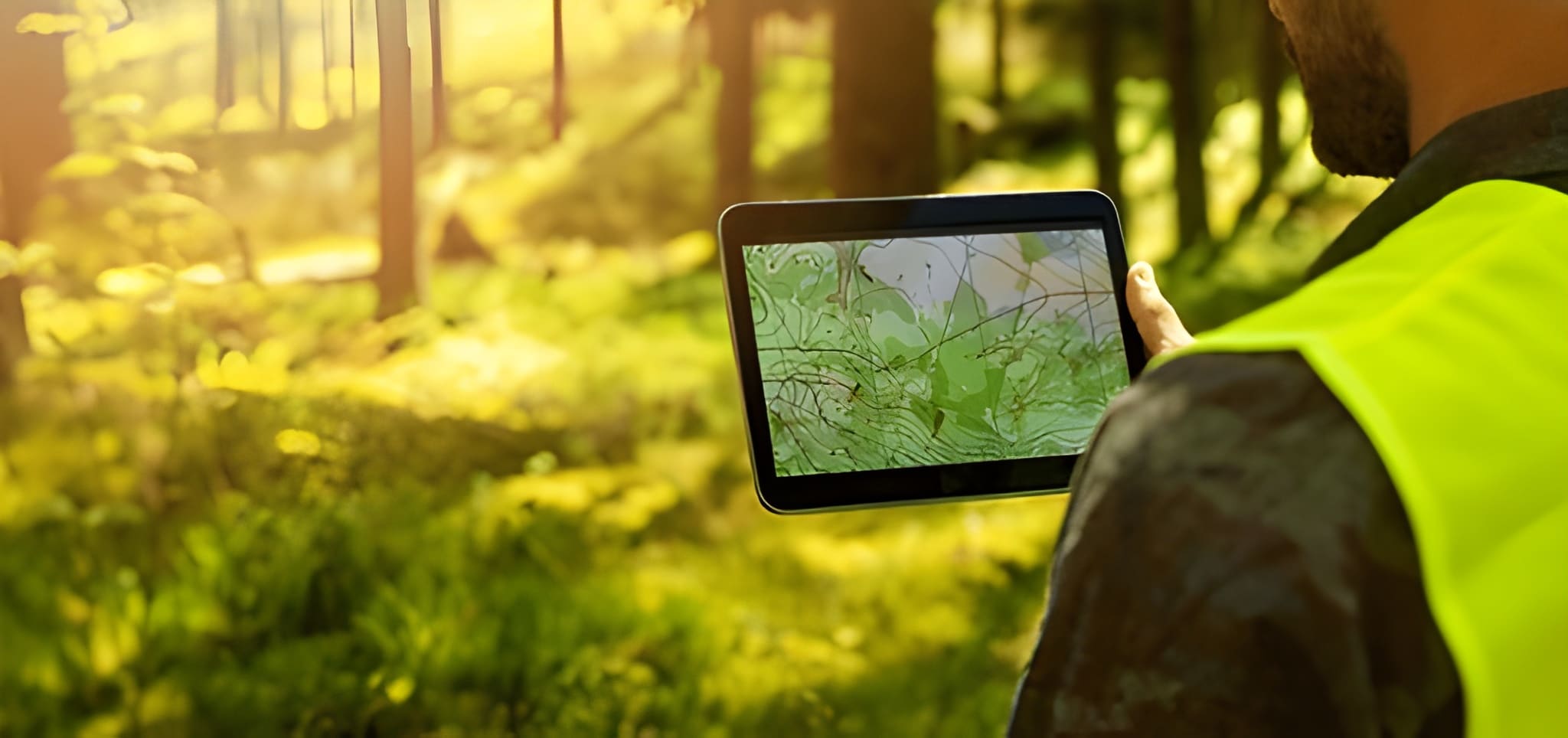
Land Measurement by Satellite: Complete Guide
Measuring land from space is no longer science fiction, it’s now a normal part of surveying, planning, farming, environmental monitoring, and property management. This explains how satellite-based land measurement works, when it’s useful or not, which tools provide different accuracy levels, how experts confirm results through ground checks, and how it covers points that most other sources often miss.
Quick summary — what you’ll learn
- Core satellite data types used to measure land (optical, multispectral, SAR, elevation products).
- Practical workflows for different accuracy needs (quick estimates, cadastral standards, environmental monitoring).
- Tools and platforms (Google Earth, ArcGIS/Esri, Sentinel/Landsat, specialist apps) and their limitations.
- Sources of measurement error and how to reduce them.
- A competitor analysis (what top articles/tutorials miss) and how this article closes those gaps. The Landscape Library
- A practical, step-by-step example including accuracy estimates and unit conversions.
- Recommendations for professionals and landowners (best practices, when to call a licensed surveyor).
1) Why use satellites to measure land?
Satellites give a bird’s-eye view at scale. They are ideal when you need:
- Rapid area/distance estimates across large or remote regions (farm fields, forest stands, urban parcels).
- Time-series analysis detect change over months/years (land use change, encroachment, erosion).
- A baseline before commissioning ground surveys (to scope costs and plan logistics).
Satellites are fast, repeatable, and increasingly high-resolution. But speed and coverage trade off against legal precision: for cadastral (legal) boundary definition, satellites commonly support but rarely replace an on-the-ground, legally accredited survey using GNSS/total station. Many authoritative vendor docs and tutorials explicitly note this limitation.
2) Main satellite data types and what they’re best for
Optical / high-resolution imagery
- Examples: commercial providers (Maxar/Planet) and public satellites (Sentinel-2, Landsat).
- Strengths: clear visual identification of features (roads, fences, buildings) for digitizing parcel boundaries. High-resolution commercial imagery (sub-meter) can be used for precise measurements when orthorectified.
- Limits: cloud cover, variable illumination, and the need for orthorectification to remove geometric distortion.
Multispectral (including NDVI indices)
- Use: vegetation mapping, agriculture, identifying canopy vs built area. Good for estimating usable land vs covered area.
Synthetic Aperture Radar (SAR)
- Use: works through clouds and at night; excellent for surface motion (subsidence) and terrain change detection. SAR complements optical products for consistent monitoring.
Digital Elevation Models (DEMs)
- Sources: SRTM, ASTER, Copernicus DEM.
- Use: adjust area calculations for slope (planimetric vs surface area), drainage and volumetric computations (cut/fill).
3) Accuracy classes, match method to need
Not all “measurements” are equal. Choose the right tool and workflow based on the accuracy you need.
- Quick estimate (±5–15% or better) — homeowners, rough planning. Use Google Earth/Maps polygon measure or free web tools. Fast and good for budgeting.
- Operational planning (±1–5%) — farm management, municipal planning. Use georeferenced high-resolution imagery and a GIS with orthorectified basemaps (Planet, Maxar, Sentinel orthoproducts).
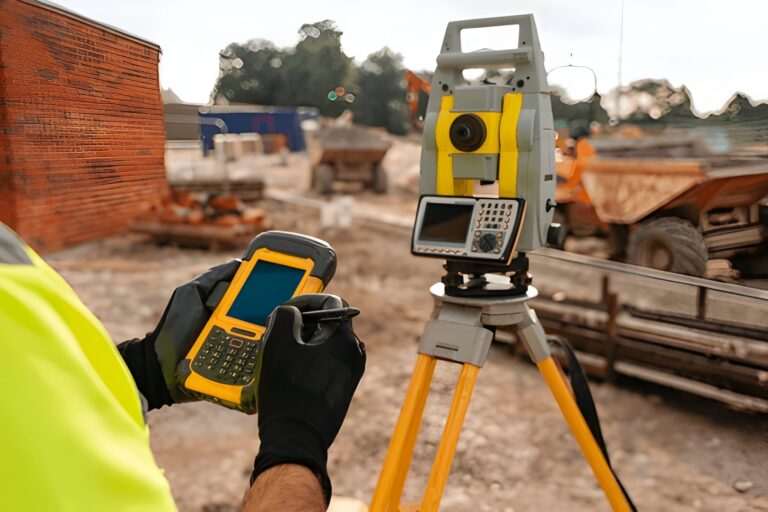
- Cadastral/legal (sub-meter, certified) — property boundary definitions for sale/title. Requires on-the-ground GNSS/total station surveys and legal validation; satellite imagery can supplement but not legally substitute in most jurisdictions.
4) Common competitor approaches what they teach (and why that’s not enough)
I analyzed widely read practical tutorials and guides (Google Earth help pages, simple blog how-tos, and GIS tutorials). Typical strengths and common gaps:
What competitors commonly do well
- Clear, step-by-step instructions for measuring polygons in Google Earth/Maps and basic GIS tools. Perfect for quick estimates.
- Introductory overviews of where to get imagery (Landsat, Sentinel, Google).
Recurrent gaps (and why they matter)
- No clear accuracy framing: many tutorials show how to draw a polygon but don’t say how accurate that result is in practice and what error sources to expect. Lack of accuracy guidance leads users to overtrust results.
- Insufficient legal/cadastral guidance: tutorials fail to explain when satellite measurements are legally insufficient and how to combine them with certified surveys (chain of evidence, metadata).
- Missing practical workflows for mixed methods: few resources explain how to combine satellite data + drone imagery + GNSS points to reach higher accuracy efficiently.
- No cost/availability comparison: users aren’t guided on how to choose between free public data (Sentinel/Landsat) vs paid high-res imagery (Planet/Maxar) depending on budget and accuracy needs.
- Unit, projection, and slope adjustments overlooked: many articles ignore geo-projection mismatches and surface vs planimetric area differences (important on sloped terrain).
This article intentionally fills those gaps: it gives concrete accuracy estimates, legal considerations, mixed workflows, cost tradeoffs and step-by-step best practices.
5) Practical workflows choose one and follow it
Below are three concrete workflows. Pick based on required accuracy & resources.
Workflow A, Quick homeowner estimate (fast, free)
Goal: area estimate to buy fencing, topsoil, or calculate lawn size.
Steps:
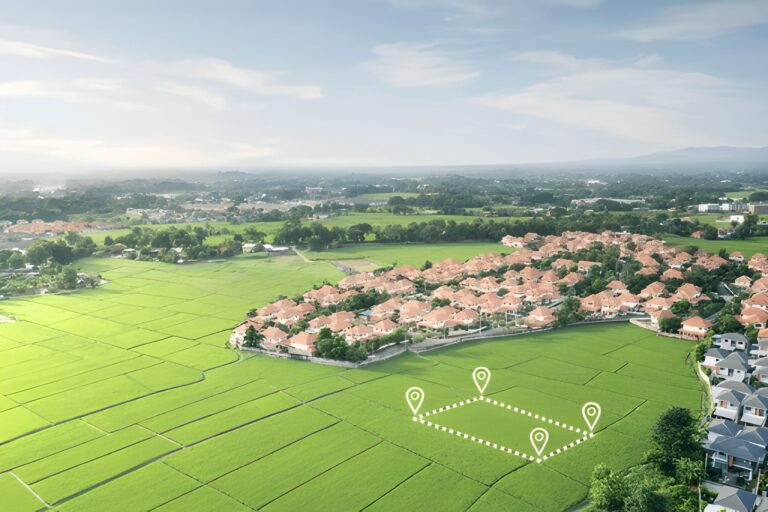
- Open Google Earth Pro (free desktop). Use the polygon tool to trace the parcel top-down. Double-click to close. Google shows area and perimeter.
- Record units (m², acres). Export KML for record-keeping.
- Expect errors of up to 5–15% depending on image resolution, roofline/fence visibility and your digitizing precision. For small urban lots, error could be larger if boundaries are obscured.
When to stop: For legal transfers or mortgages, stop here and commission a certified survey.
Workflow B Operational planning for farms/municipalities (higher accuracy)
Goal: reliable area estimates across many parcels, integrate with crop or zoning data.
Steps:
- Obtain orthorectified imagery — use Sentinel-2 (free) for large scale or Planet/Maxar for sub-meter tasks.
- Bring imagery into a GIS (QGIS/ArcGIS). Ensure the image and your project use the same projection (e.g., UTM for local accuracy). Always check spatial reference metadata.
- Digitize parcels or run segmentation algorithms for field boundaries (object-based classification).
- Correct for slope if surface area (3D) is needed — use DEM to compute surface area vs planimetric area.
- Validate: collect a handful of high-accuracy GNSS checkpoints (RTK or differential GNSS) across representative corners and compare. If differences exceed acceptable thresholds, either refine orthorectification or add more ground control.
Expected accuracy: ±1–5% achievable with orthorectified sub-meter imagery and minimal ground control.
Workflow C Cadastral/legal (highest professional standard)
Goal: legally defensible parcel boundaries.
Steps:
- Commission a licensed surveying firm. They will use GNSS (RTK) and/or total station to establish control points and produce a certified plan. Satellite imagery used only as supportive evidence or to speed mapping, not as the legal basis in most jurisdictions.
- If you’re a mapping provider wanting to speed operations, integrate GNSS control points with high-res orthophotos, and maintain metadata (sensor, acquisition date, GSD, processing steps) for chain of custody.
Expected accuracy: legal surveys aim for centimeter to decimeter precision depending on local standards.
6) Integrating Drone Imagery The Missing Middle Between Satellites and Ground Surveys
Drones fill a critical gap that neither satellites nor ground surveys can cover alone. When you need sub-meter accuracy without the cost of a full cadastral survey, drone orthophotos deliver exceptional clarity, consistent angles, and customizable flight paths. They are ideal for mapping small-to-medium parcels, construction sites, orchards, or irregular landscapes where satellite imagery cannot resolve fine edges. With proper ground control points (GCPs), a drone map can achieve 2–10 cm accuracy, making it suitable for engineering estimates, crop row mapping, infrastructure planning, or pre-survey design. Best of all, drone data integrates seamlessly with GIS workflows — letting you compare satellite baselines, field observations, and drone detail in one place for a more complete and defensible result.
7) Sources of error diagnose and reduce them Understanding error sources helps you pick the right method.
- Imagery georeferencing (orthorectification) errors: uncorrected images have parallax and terrain shift. Use orthorectified imagery or apply ground control points (GCPs).
- Projection mismatches: measuring in geographic (lat/long) vs projected coordinates causes distortions; use a suitable projected CRS (e.g., UTM) for area calculations.
- Resolution and ground sample distance (GSD): lower resolution increases boundary uncertainty. Sub-meter imagery is preferred when detail matters.
- Temporal differences: imagery date vs survey date: fences move, crops change, construction happens. Use imagery closest to the ground truth date or document the date explicitly.
- Operator digitizing error: manual tracing introduces variation. Use automated segmentation or have multiple operators for QA.
Mitigation checklist: always record metadata (sensor, date, GSD, projection), use orthorectified imagery, collect some ground control, and declare expected uncertainty in reports.
Choosing the Right Coordinate System, Why CRS Can Make or Break Your Area Calculations
Many land measurement errors don’t come from bad imagery, they come from using the wrong coordinate reference system (CRS). Measuring area in a geographic CRS (latitude/longitude) can distort results significantly, especially as parcel size increases or when working away from the equator. For accurate area and distance calculations, measurements should always be performed in an appropriate projected CRS, such as a local UTM zone or a national grid system.
Best practice is to select a CRS designed for your region and purpose:
- UTM zones work well for local to regional parcels and are widely supported in GIS software.
- National cadastral grids (where available) offer better legal and surveying alignment.
- Avoid measuring areas directly in WGS84 (EPSG:4326).
Before calculating area, confirm:
- The imagery CRS
- The project CRS
- The output unit (m², hectares, acres)
This single step often improves accuracy more than switching imagery providers, and it’s completely free.
8) Tools and cost overview (practical pick list)
Free / low-cost
- Google Earth / Google Maps: best for quick homeowner estimates. Easy UI, immediate results. Not for legal cert.
- Sentinel-2 / Landsat (Copernicus/USGS): free multispectral data suitable for large areas; moderate resolution (10–30 m) good for land cover and broad area estimates.
- QGIS: free GIS desktop for digitizing, projection management, and area calculations.
Commercial / professional
- Planet / Maxar — high-resolution (sub-meter) imagery by subscription or tasking; expensive but required when detail matters.
- ArcGIS / ArcGIS Pro — strong imagery and orthorectification support, enterprise workflows.
- Specialized apps (e.g., GeoMeasure, GLandMeasure) — field measurement apps that combine GNSS and satellite basemaps for parcel mapping.
Cost tip: For a one-off high-res need, buying a single high-res image or scheduling a tasking (Planet/Maxar) may be cheaper than a subscription.
9) A worked example (step-by-step), estimate a 2.5-acre parcel with Google Earth and then validate with a simple GNSS check
Scenario: You own a parcel that looks about 2–3 acres. You need an estimate for a landscaping quote (not legal).
Step 1 — Google Earth Pro estimate
- Open imagery, find parcel, use polygon tool and trace boundary. Google reports 10,117 m² (≈ 2.5 acres). Record the image date (Google Earth shows acquisition date).
Step 2 — Quick validation using smartphone GNSS
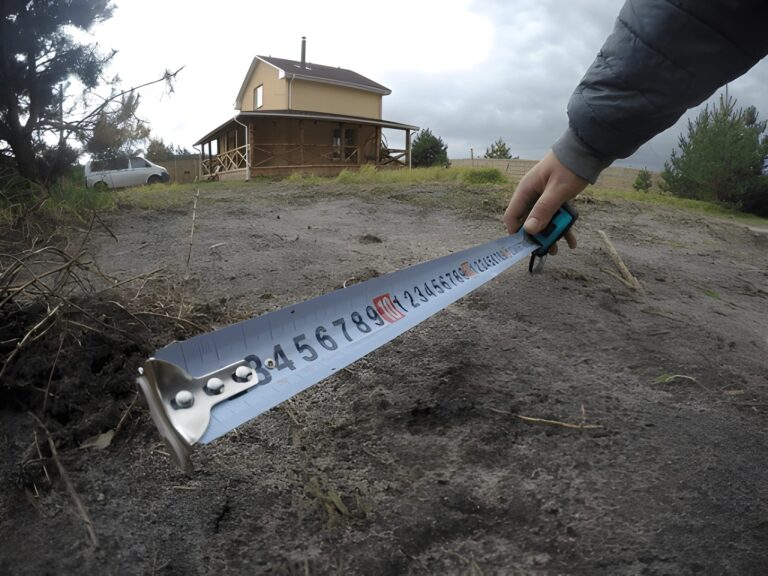
- Walk to three corner posts with a smartphone GNSS app (note phone GPS is ~3–10 m accuracy depending on model). Export coordinates. Compare polygon area computed from GNSS points vs Google polygon. If discrepancy <5%, this is likely fine for quotes.
Step 3 — If accuracy unsatisfactory
- Commission an RTK GNSS check for boundary corners. If budget allows, hire a surveyor for certified corners (required for sale/transfer).
Result interpretation: Google estimate gives a fast baseline. Smartphone GNSS gives quick QA. RTK/GNSS gives legal accuracy.
Reporting Results Professionally, How to Present Satellite-Based Measurements Without Overclaiming
How results are reported matters as much as how they’re measured. Satellite-based land measurements should always be presented with clear context to avoid misinterpretation or legal misuse. A professional report does not claim absolute precision — it declares uncertainty.
A well-presented satellite measurement should include:
- Data source (satellite/provider and resolution)
- Acquisition date
- Measurement method (manual digitizing, automated classification, GIS tool)
- Coordinate system used
- Expected accuracy range (e.g., ±3%, ±5 m)
Recommended phrasing examples:
- “Estimated area based on orthorectified satellite imagery.”
- “Not intended for legal boundary definition.”
- “Validated with limited ground checks.”
This approach builds trust, protects you legally, and aligns with how professional surveyors and GIS analysts communicate uncertainty. Clear reporting turns satellite measurements into defensible decision-support tools rather than risky claims.
10) Legal & ethical considerations
- Cadastral law varies by jurisdiction. Many countries require licensed surveyors to produce plans for legal transactions. Satellite-only plans are usually insufficient for title. Always verify local land registry rules.
- Privacy and data protection. When publishing derived maps that include neighbors’ property or personal structures, be mindful of privacy rules and avoid exposing sensitive personal data.
- Chain of custody. If measurements are used in disputes, maintain metadata and records showing data source, processing, and timestamps.
11) When Satellites Are Not the Right Tool, Knowing the Limits Matters
Even though satellite imagery has transformed land assessment, there are specific situations where it falls short — and recognizing these limitations prevents costly mistakes. Dense tree canopies, narrow urban lanes, high-rise shadows, and rapidly changing construction sites can hide true boundaries or distort your measurements. Similarly, very small parcels (under a few hundred square meters) often require precision that satellites simply cannot offer, even at sub-meter resolution. Weather is another constraint: frequent cloud cover can limit usable optical imagery for weeks. And for disputed boundaries, regulatory filings, land subdivision, or any case requiring centimeter-level certainty, relying on satellites alone can lead to legal rejection or challenges. The smart approach is to use satellites as an early intelligence tool — and combine them with drones, GNSS, or licensed surveyors when accuracy or legal defensibility is critical.
12) Recommendations & best practices (quick checklist)
- Always record imagery metadata (sensor, acquisition date, GSD, processing).
- Use orthorectified basemaps for area work; if not available, obtain or create GCPs.
- For small parcels or legal matters, get a licensed surveyor; satellites support but usually don’t legally replace on-site survey.
- For monitoring change, pick consistent sensors/dates (avoid comparing summer imagery with winter imagery without adjustment).
- If you need sub-meter accuracy and legal defensibility, combine RTK GNSS checkpoints with high-res orthophotos.
13) Emerging trends and outlook
- Higher revisit rates and more affordable sub-meter imagery (smallsat constellations) make frequent monitoring feasible for many users.
- Cloud processing and web GIS (e.g., cloud orthorectification, Planet APIs, Copernicus Hub) lower the barrier for operational mapping.
- Integration with land administration systems is growing: satellite basemaps plus survey data is becoming standard for transparent land records.
14) Further reading & authoritative references
- Google Earth — Measure distances and areas (user help).
- Esri — Get started with imagery (orthorectification, Landsat/Sentinel workflows).
- ESA Earth Observation pages — satellite data for land monitoring.
- SERC / college tutorials — measuring distances and areas in satellite images (technical background on calibration and scale).
- GIS StackExchange thread on measuring acreage from satellite imagery — practical community discussion of challenges.
Closing, practical next step for you
If you tell me (quickly, without delaying me to do the work later — I will do it now in this reply) what you need the measurement for (home estimate, farm planning, legal sale), the approximate parcel size and whether you have a preferred tool (Google Earth, QGIS, or want me to recommend tools), I will produce a tailored step-by-step plan you can follow right away — including which datasets to use, an estimated accuracy, and a short checklist for validating results.

One Comment